Your Dashboard
The dashboard at app.corpus.music is where you see your relationship with CORPUS in concrete terms: what you have uploaded, what state each contribution is in, what it is worth, and what needs your attention. This page describes what is currently live and what comes online as the system matures.
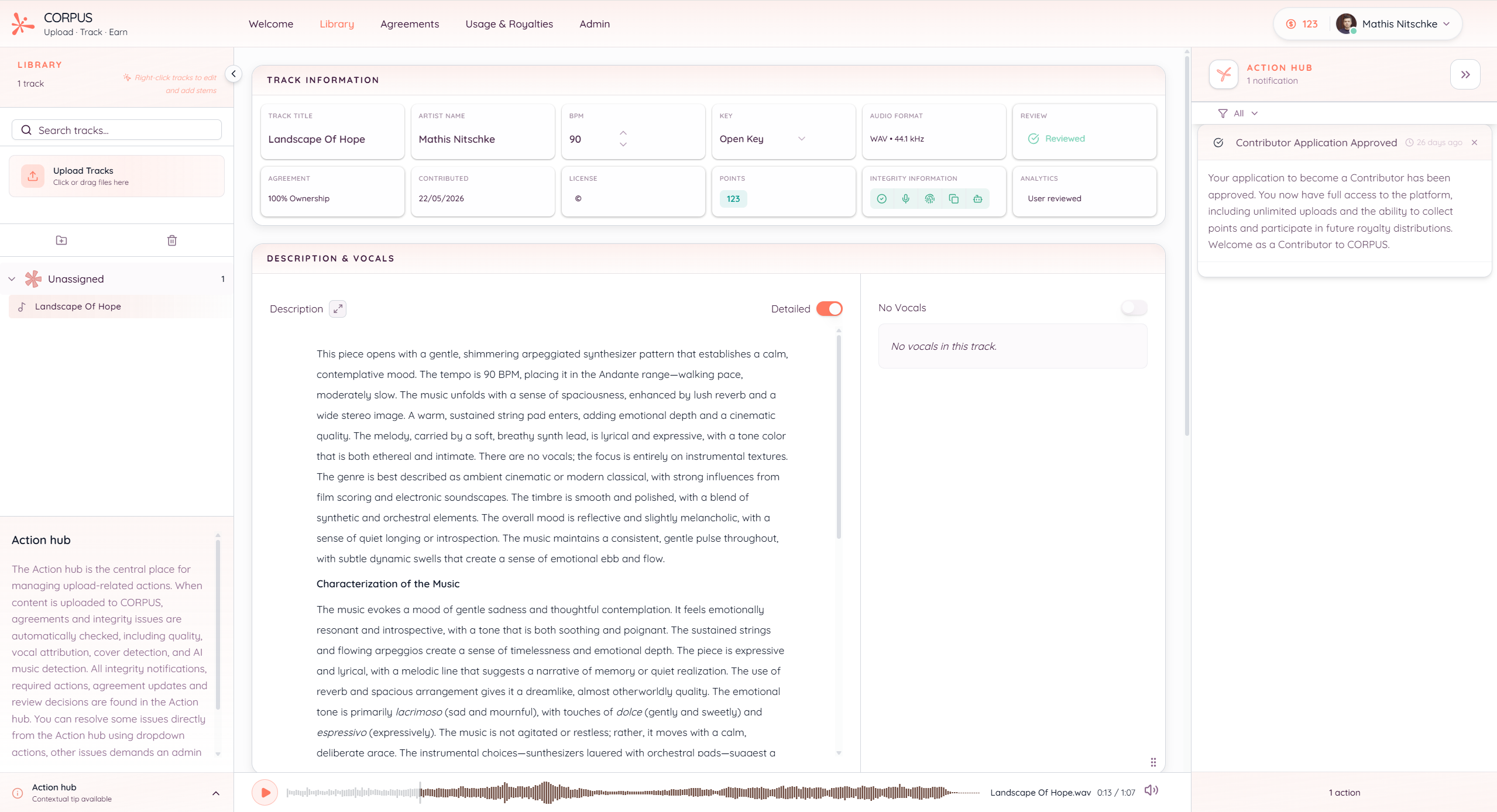
Library
Your library lists every track you have uploaded, organised in project folders. For each track you see the file format, the integrity status, and the points it currently holds. Points appear in green when they count toward distributions and in yellow when they are pending — usually because an integrity check has flagged something or a collaborator has not yet confirmed an agreement.
You can edit metadata directly in the library. Reviewing the AI-generated metadata or adding your own annotations raises the score on the metadata axis and is logged as part of the contribution.
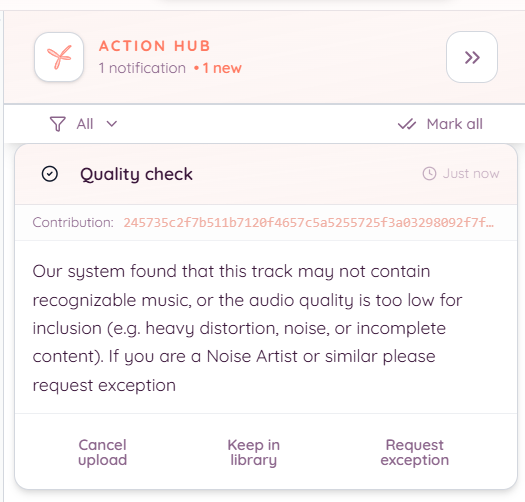
Action Hub
The Action Hub is the inbox for everything that needs you to do something. Integrity flags, agreement confirmations from collaborators, and admin reviews all surface here. Most items resolve through a dropdown action in the Hub itself; some go to admin review. The Hub updates in real time, so you do not need to refresh.
The point of the Hub is that nothing about your contributions happens silently. Every decision the pipeline makes about a track shows up somewhere you can see and respond to.
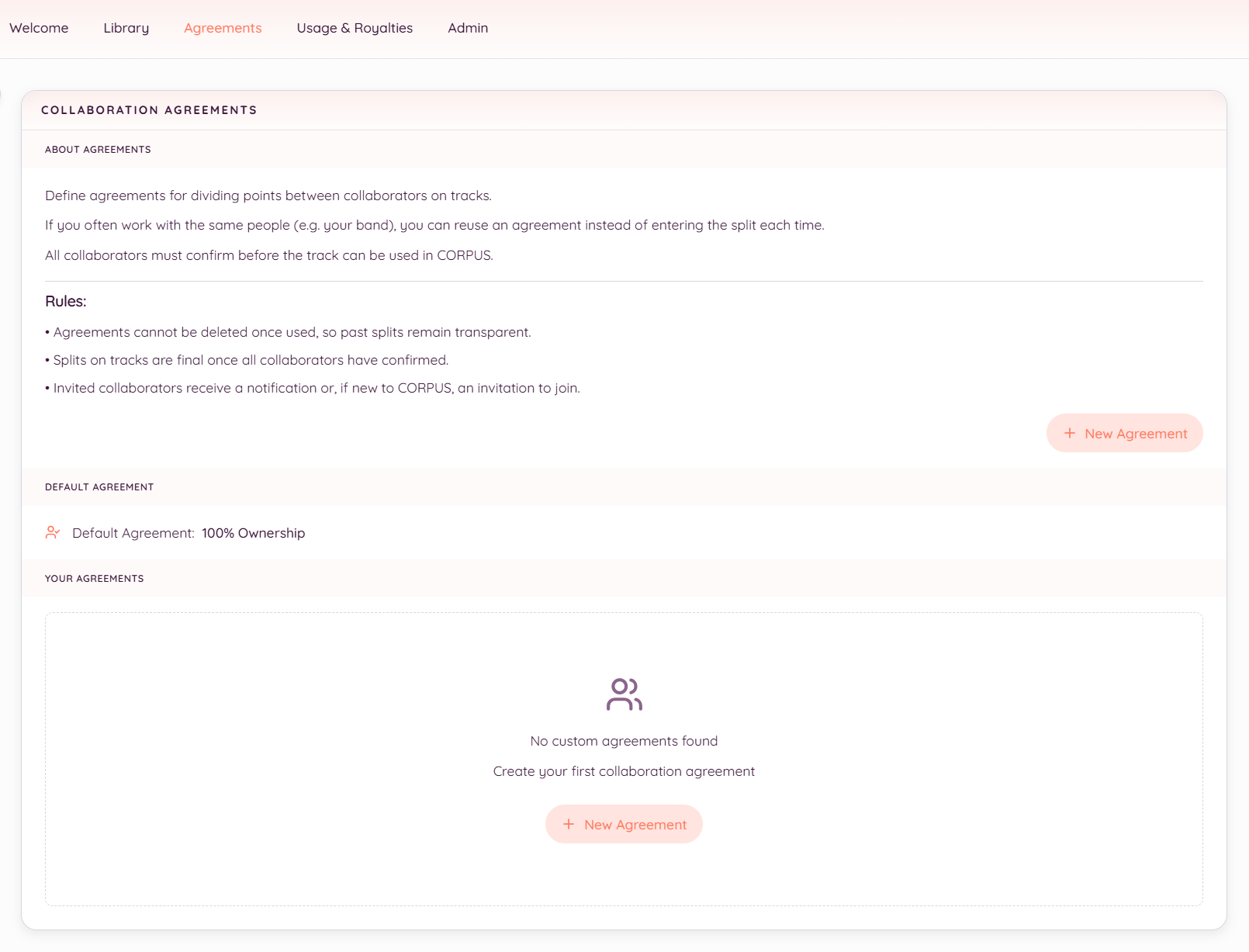
Agreements
Collaboration agreements live in their own area. Each agreement lists the parties, their percentage splits, and the confirmations that have come back. Past agreements remain as immutable snapshots; changing a template later does not retroactively affect uploads made under the previous version.
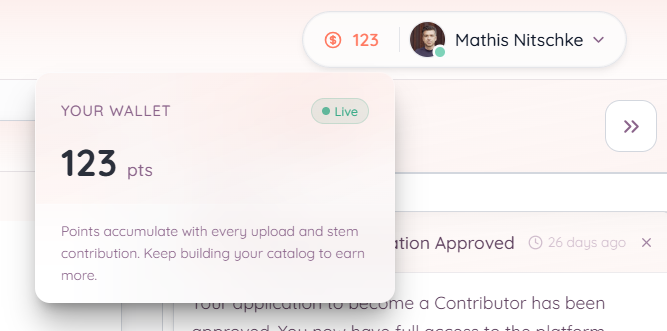
Points wallet
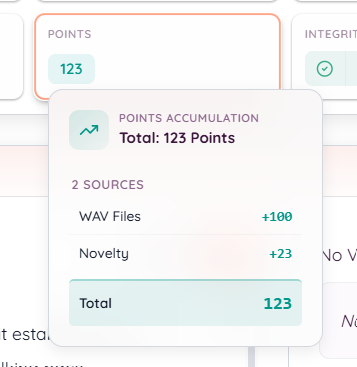
The points wallet shows your running total across all confirmed contributions, with a per-track breakdown of where each track's points come from: uploads, format quality, stems, novelty. This is the raw number from which your royalty share is computed in each distribution round.
Royalties
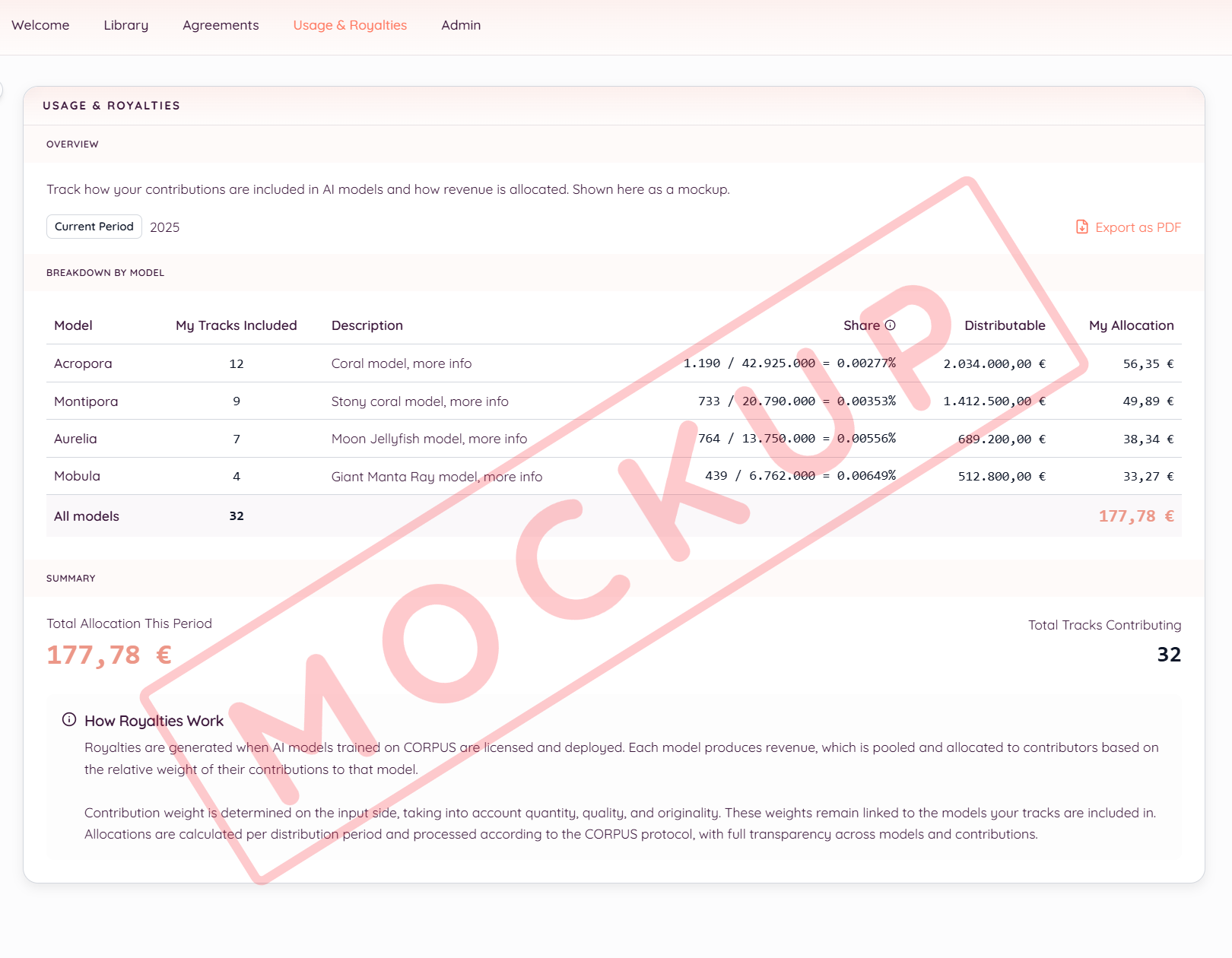
The royalties area is where payouts will appear once revenue starts flowing back through the protocol. During the beta, this area is structurally in place but mostly empty: distributions begin when commercial licensing opens and revenue accumulates in the central pool. See How Royalties Flow for the distribution mechanics.
What is not yet visible
A few features described in the white paper are not yet exposed in the dashboard:
- Per-model attribution. Once a model has been trained on a dataset that includes your work, you will be able to see which models your music is part of and how each one contributes to your royalty share. This depends on the commercial licensing rollout.
- CRPS balance. CRPS accumulate alongside royalty points, but the visible CRPS wallet ships with the legal form decision; see CRPS — Your Stake.
- Payout history. Surfaces once distribution rounds begin.
The dashboard is built feature by feature alongside the protocol. What is in it now reflects what the system can honestly do today.